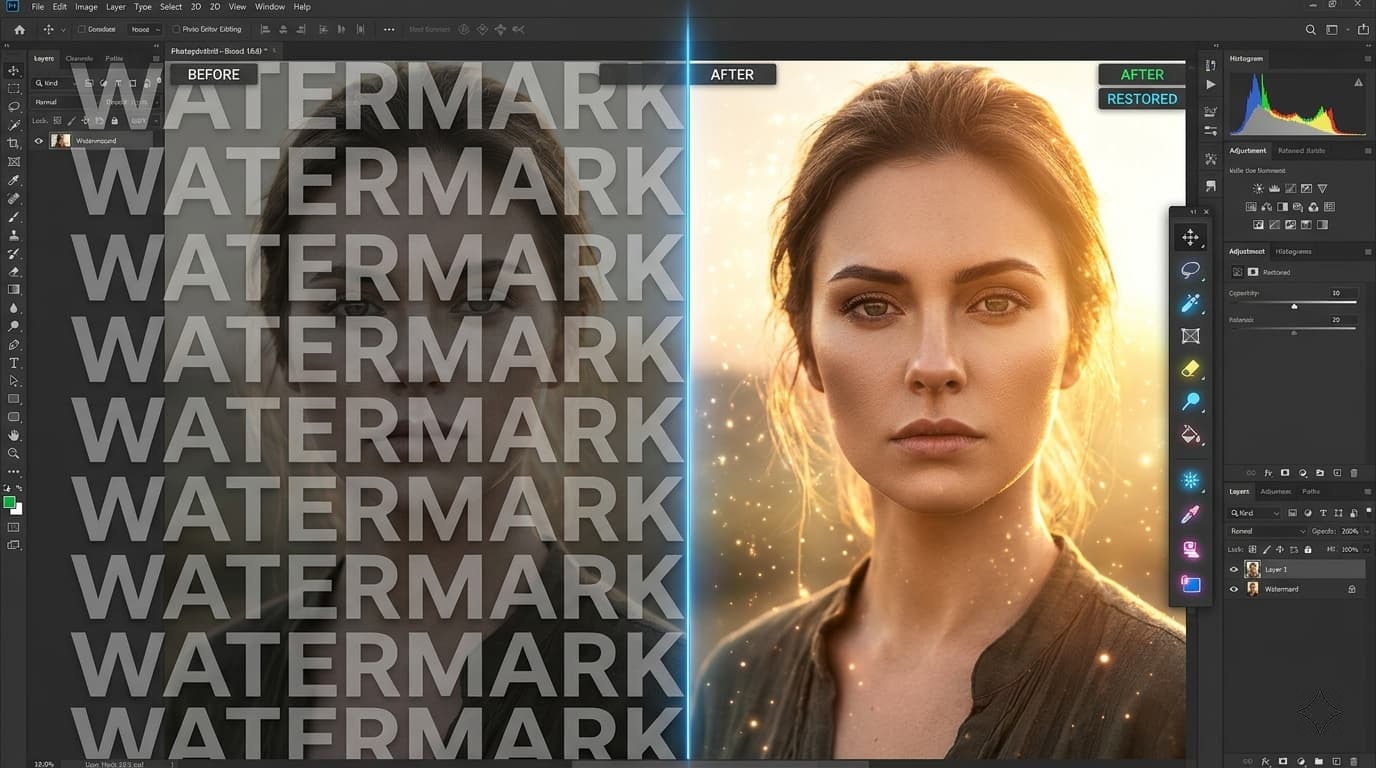
What Is a Watermark?
A watermark is a visible overlay placed on an image — typically a logo, text, or pattern — to identify its creator or protect copyright. While useful for photographers and designers, watermarks can be frustrating when you own the original or have permission to use the image without branding.
Can You Remove Watermarks for Free?
Yes — and you don't need expensive software like Adobe Photoshop. With modern browser technology, it's possible to remove watermarks entirely client-side using a free tool like Wilnexo's Watermark Remover.
Step-by-Step: Remove a Watermark with Wilnexo
Step 1 — Upload Your Image
Go to the Wilnexo Watermark Remover and drag your image onto the upload zone, or click to browse your files. Supported formats include JPG, PNG, WEBP, GIF and BMP. Your image is loaded entirely in your browser — nothing is sent to any server.
Step 2 — Adjust Your Brush
Before drawing, set your brush size using the slider on the right panel. For small, precise watermarks like a copyright symbol, use a smaller brush (8–16px). For larger logo overlays, increase the size to 40–60px. You can also adjust opacity to control how visible your marker is while drawing.
Step 3 — Paint Over the Watermark
Using your mouse (or finger on mobile), draw over the watermark area. The red marker shows exactly what will be removed. Take your time — you can zoom in using your browser's built-in zoom for precision work.
Step 4 — Choose a Removal Method
The tool offers four methods:
- White Fill — Replaces the marked area with white. Best for images with white backgrounds.
- Blur — Applies a heavy blur over the marked zone. Good for semi-transparent watermarks.
- Smart Fill — Samples pixels surrounding the marked area and fills inward. Best for natural or complex backgrounds.
- Transparent — Removes the area entirely (PNG export only). Ideal when you need a cutout.
Step 5 — Remove and Download
Click "Remove Marked Area". The processing happens instantly in your browser. Review the result in the Before/After section, then click "Download" to save your clean image as a PNG.
Try the Watermark Remover Now
Free, no signup, works on any device. Your image never leaves your browser.
Remove Watermark Free →Tips for Best Results
- Use Smart Fill for images with textured or gradient backgrounds.
- For text watermarks, try Blur — it preserves surrounding context better.
- If the result isn't perfect, click "Clear Drawing" and try again with a different method.
- Zoom into your browser (Ctrl/Cmd + scroll) for precise drawing on small watermarks.
- On mobile, use your fingertip and paint slowly for best accuracy.
Frequently Asked Questions
Is this tool really free?
Yes. Wilnexo's Watermark Remover is 100% free with no usage limits, no signup required, and no hidden fees — ever.
Is my image uploaded to a server?
No. All processing happens locally in your browser using JavaScript and the HTML5 Canvas API. Your image is never transmitted anywhere.
What image formats are supported?
JPG, PNG, WEBP, GIF and BMP. Output is always PNG to preserve quality.