What Are Subtitle Files?
Subtitle files are separate text documents that video players read alongside a video to display captions. Instead of burning text directly into the video (called "hardcoded" subtitles), most modern platforms support loading a subtitle file separately — making it easy to update, translate, or remove captions independently.
The Three Most Common Formats
SRT (SubRip Subtitle)
SRT is the most widely supported subtitle format in the world. Created in the late 1990s, it has a dead-simple structure: a sequence number, a timestamp line, and one or more lines of dialogue text, separated by blank lines.
Example SRT block:
1
00:00:01,000 --> 00:00:03,500
Hello, welcome to Wilnexo.

2
00:00:04,000 --> 00:00:07,000
All our tools are completely free.
Best for: Video players (VLC, MPC), YouTube uploads, Netflix submissions, offline video files.
VTT (WebVTT)
VTT (Web Video Text Tracks) is the subtitle format designed for the web. It's almost identical to SRT but starts with a WEBVTT header and uses dots instead of commas in timestamps. It also supports additional styling and positioning features that SRT does not.
Example VTT block:
WEBVTT

00:00:01.000 --> 00:00:03.500
Hello, welcome to Wilnexo.

00:00:04.000 --> 00:00:07.000
All our tools are completely free.
Best for: HTML5 video players (<track> elements), web apps, streaming platforms that use the web player.
TXT (Plain Text)
Plain text subtitle files contain only the dialogue — no timestamps, no numbering. They're not actually used by video players as subtitles, but they're extremely useful for:
- Creating transcripts or scripts from subtitles
- Feeding dialogue into translation tools
- Content analysis and captioning workflows
- Publishing a written version of a video's content
Best for: Transcripts, translations, scripts, content repurposing.
Quick Comparison Table
VTT → Web-native, HTML5 video, modern platforms
TXT → Dialogue only, no player support, great for transcripts
How to Convert Between Formats
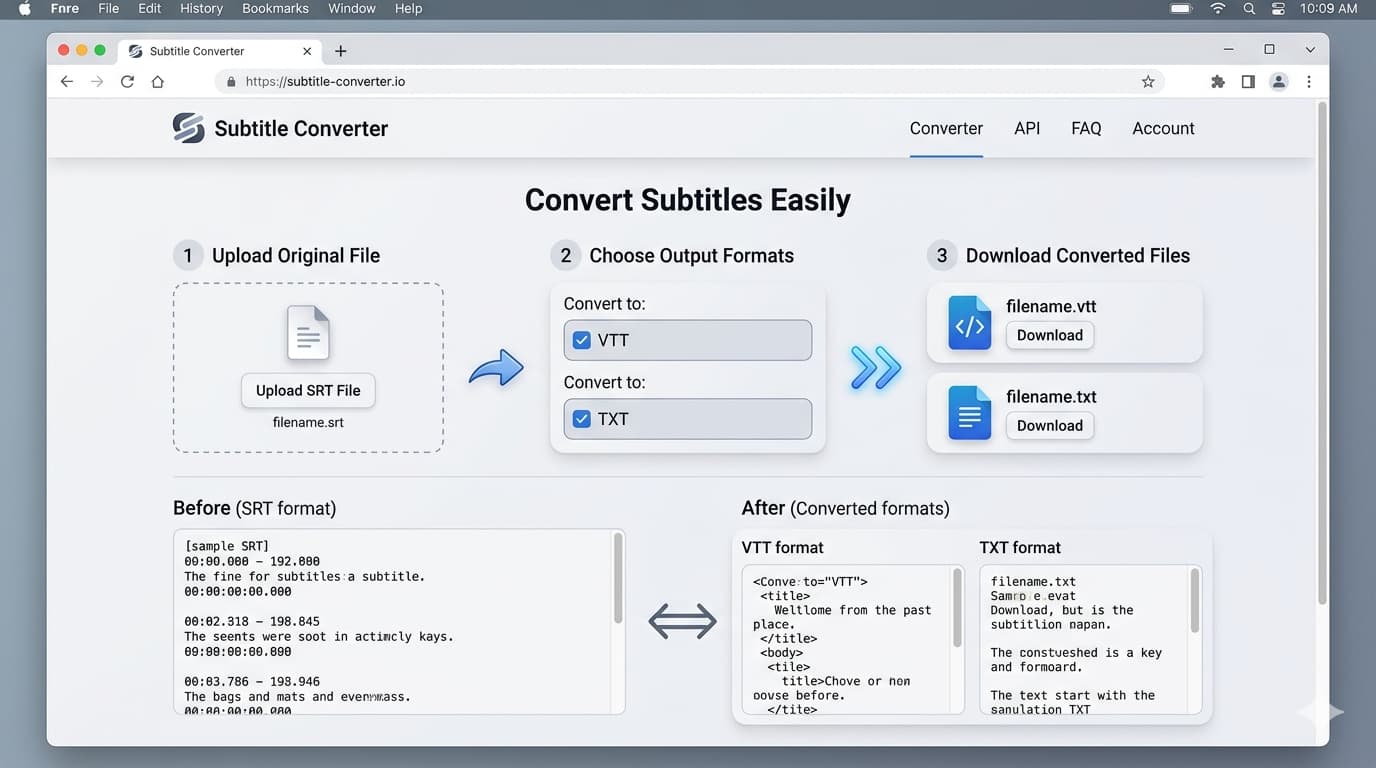
You can convert between SRT, VTT and TXT instantly using the Wilnexo SRT Converter. Upload your subtitle file, choose your target format, and download — it takes less than a second and works entirely in your browser.
Convert Your Subtitles Now
SRT to VTT, SRT to TXT — free, instant, no signup required.
Convert Subtitles Free →Translating Subtitles
Need your subtitles in a different language? The Wilnexo SRT Translator lets you translate any SRT file to 30+ languages automatically. It batches subtitle lines for speed, preserves all timestamps, and gives you a download-ready translated SRT in minutes.
Which Format Should You Choose?
- Uploading to YouTube → Use SRT or VTT (both accepted)
- Embedding in a web video player → Use VTT
- Playing with VLC or a desktop player → Use SRT
- Creating a transcript or script → Convert to TXT
- Translating to another language → Start with SRT, use our translator